If you notice that a patient’s information was entered incorrectly or change is required, you can easily update it directly in the Cassini software.
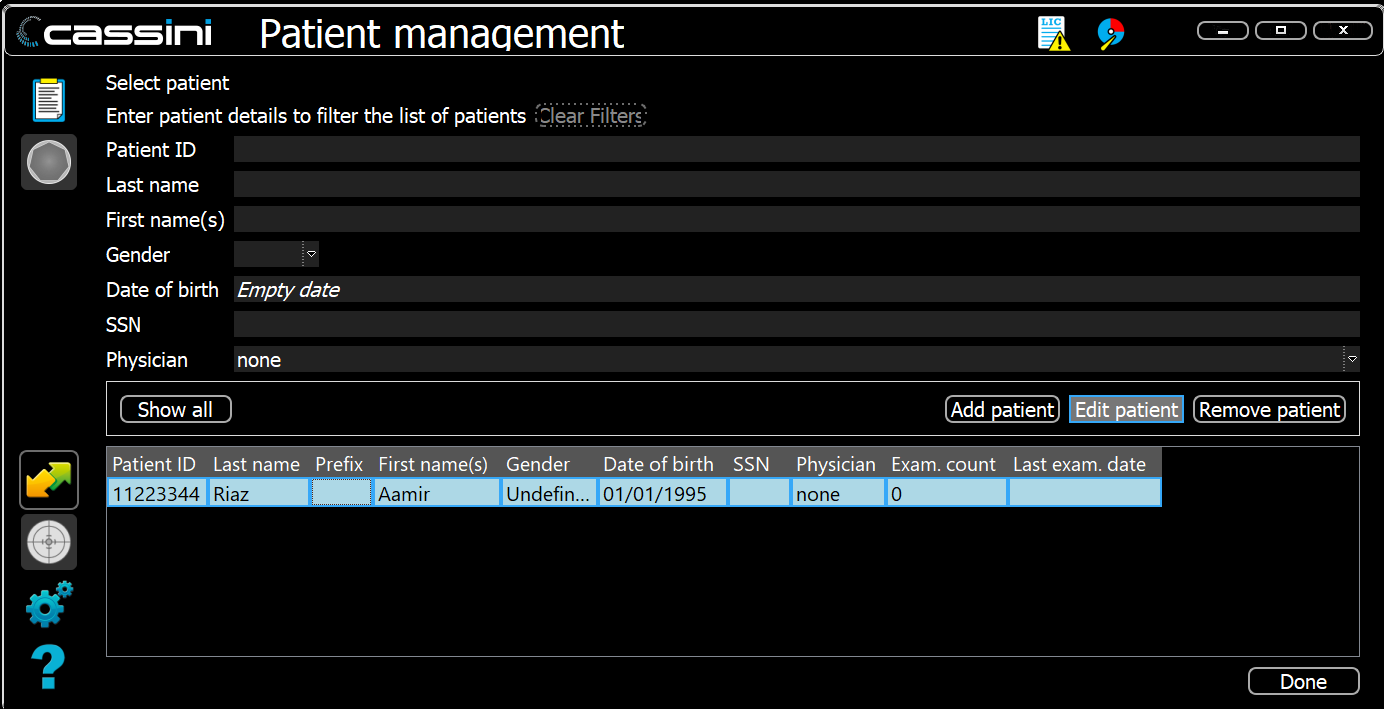
- Open the Cassini software and go to Patient Management.
- Navigate to the right bar and click Management and then choose Patient Management.
- Either double-click on the patient’s name, or highlight the patient and click the Edit Patient button.
- Modify the required data and click OK to save the changes.
For further assistance please contact support@cassini-technologies.com or visit support.cassini-technologies.com to raise an e-ticket.
Was this article helpful?
That’s Great!
Thank you for your feedback
Sorry! We couldn't be helpful
Thank you for your feedback
Feedback sent
We appreciate your effort and will try to fix the article